
Shopping preferences
Delivery or pickup
No pickup points are currently available.
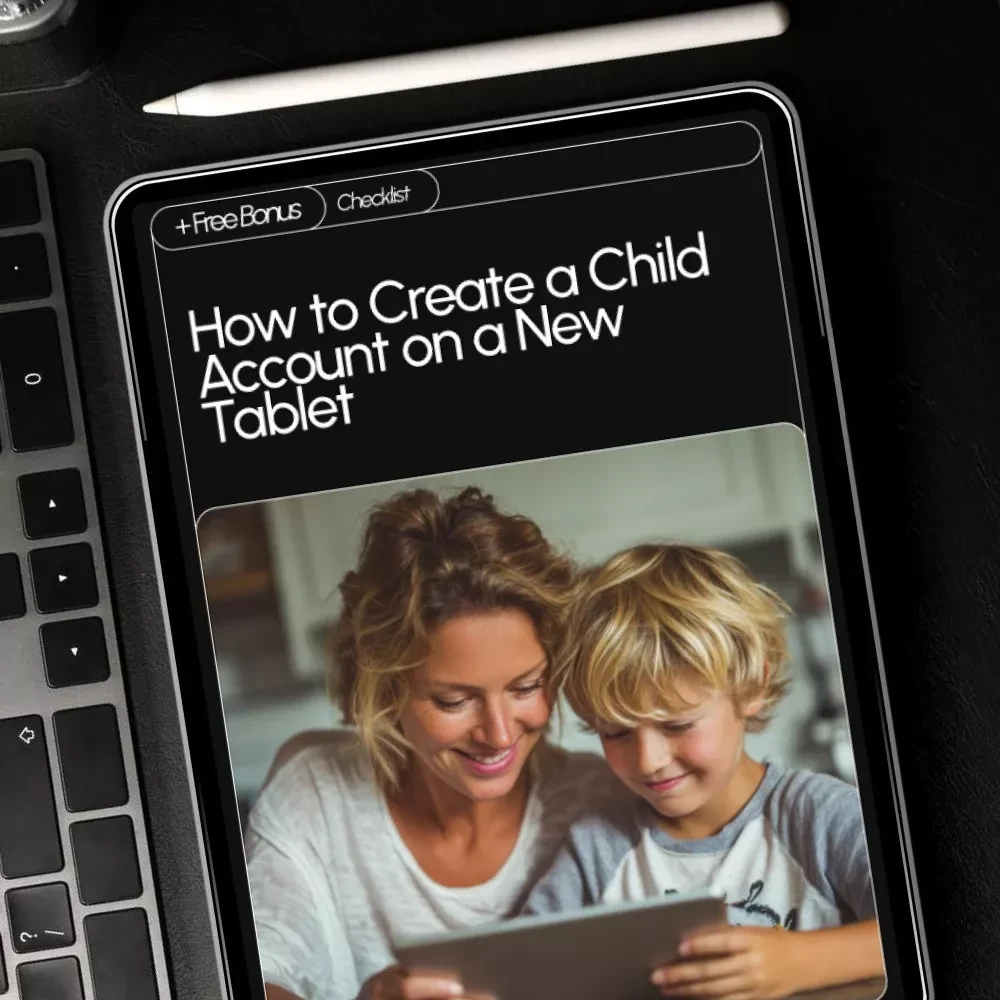

How to Create a Child Account on a New Tablet – Step-by-Step Checklist for Parents, Includes Parental Controls, Screen Time Setup, and Safe App Recommendations
SKU
IMP-170586-9RU16
People are viewing right now
CoRizi Order Protection
Payment options

Complete your payment through our checkout. Available payment methods are shown when placing your order.
Returns policy
Check return eligibility and the store policy before placing your order.
View return policy
Have a question before ordering? We are here to help.
Shipping estimates, returns and support follow the policies shown for this product.
? Digital Checklist to Simplify Tablet Setup for Kids
Setting up a child-friendly tablet doesn’t have to be confusing or stressful. Our How to Create a Child Account on a New Tablet checklist guides you through every step, making it simple to protect your child while letting them explore technology safely. This easy-to-follow digital download walks you through picking the right account system, creating a child profile, enabling parental controls, and customizing a fun and secure tablet experience. Perfect for busy parents, guardians, or caregivers who want peace of mind while giving kids the freedom to learn and play.✅ Key Features & Contents
- Phase 1: Pick the Right Child Account System – Identify your tablet type and update it for a smooth setup.
- Phase 2: Create Your Child’s Account – Step-by-step guidance for adding a child user, linking to your account, and saving login information safely.
- Phase 3: Turn On Safety Superpowers – Enable download approvals, screen time limits, and content filters to protect your child.
- Phase 4: Customize Their Experience – Install kid-friendly apps, create a fun home screen, and test the profile for proper functionality.
- Special Section: How AI Can Help You Create a Safer Tablet Experience – Learn how AI can recommend apps, suggest screen time, and troubleshoot issues efficiently.
- Common Mistakes to Avoid – Prevent risky setup errors like skipping parental controls or using adult accounts.
- Success Signs – Know when your child’s account is secure, age-appropriate, and ready for use.
? Benefits of This Checklist
- Save time and avoid confusion with a clear, structured setup plan.
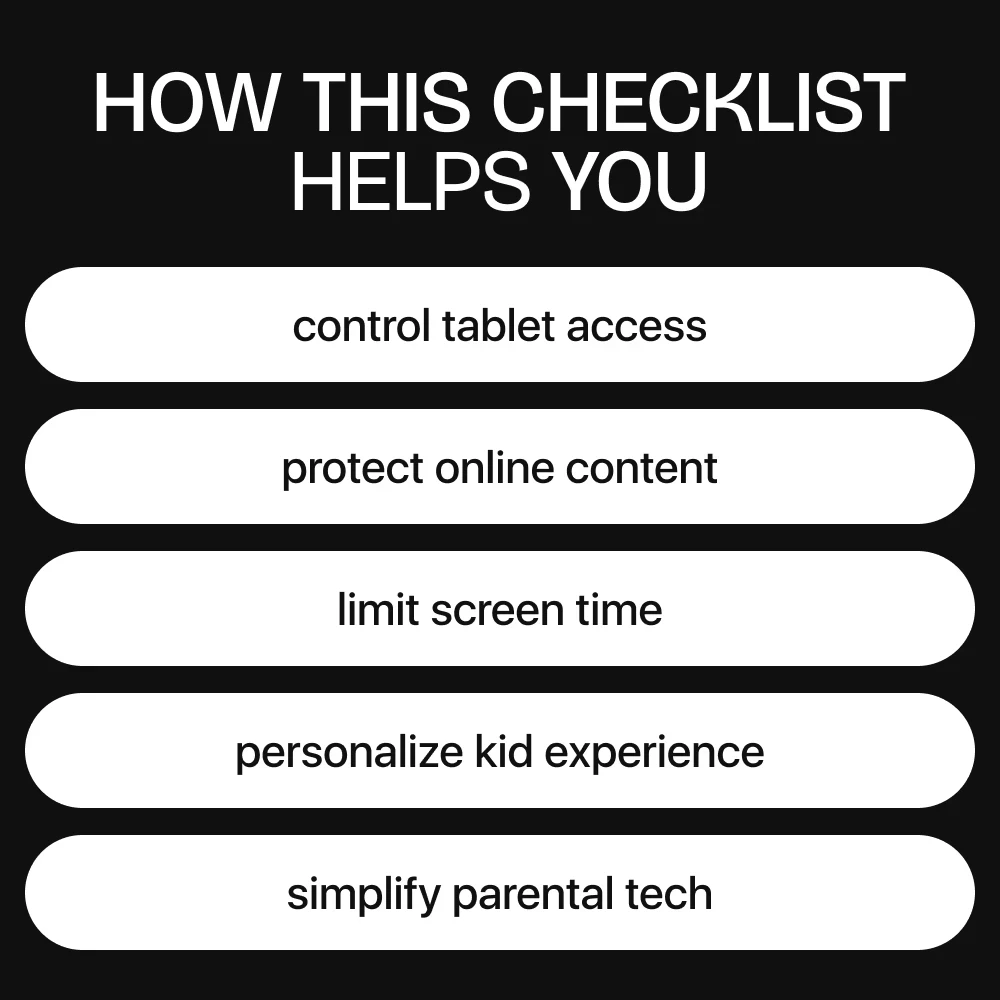
- Keep your child safe online with built-in parental controls and content filters.
- Foster healthy tech habits with screen time management and app approvals.
- Enjoy peace of mind knowing your tablet is configured correctly for your child.
- Gain confidence using AI tools to optimize and manage your child’s digital experience.
- Turn basic tech skills into an opportunity to explore digital productivity and learning.
? Who Is This For?
This digital checklist is designed for parents, guardians, and caregivers who want to learn how to create a child account on a new tablet safely and efficiently. Whether you have an Apple, Google, or Amazon tablet, this guide ensures you implement the best parental controls, screen time management, and content restrictions while customizing a fun experience for your child.? What Makes It Different?
Unlike generic guides or long manuals, this checklist is concise, actionable, and organized in phases. It combines traditional parental controls with practical tips and AI assistance, giving you a complete toolkit for modern digital parenting. You’ll not only set up your child’s account correctly but also avoid common mistakes and feel confident in your setup.? Ready to Get Started?
Stop guessing and start protecting your child today. Download the How to Create a Child Account on a New Tablet checklist now and take the stress out of tablet setup. With step-by-step instructions, safety tips, and AI guidance, you’ll have a secure, personalized, and fun digital experience ready in no time. Click “Download” and make your child’s tablet both safe and enjoyable!Related products















Frequently Bought Together









Share with Friends
Trading is more effective when you share products with friends!Share you link
Share to