
Shopping preferences
Delivery or pickup
No pickup points are currently available.







The Practical Google Sheets Tracking System: A Simple Checklist for Effective Tracking
SKU
IMP-142465-I4UHF
People are viewing right now
CoRizi Order Protection
Payment options

Complete your payment through our checkout. Available payment methods are shown when placing your order.
Returns policy
Check return eligibility and the store policy before placing your order.
View return policy
Have a question before ordering? We are here to help.
Shipping estimates, returns and support follow the policies shown for this product.
Product Description
Transform your Google Sheets into a powerful tracking system with the The Practical Google Sheets Tracking System checklist. Whether you're managing finances, tracking projects, monitoring habits, or keeping an eye on inventory, this easy-to-follow guide helps you organize and analyze your data with precision. No complex formulas or technical skills required—just clear steps to create a well-structured and effective system that makes tracking a breeze. Download this practical checklist today and turn your Google Sheets into a tool for better decision-making!What’s Inside?
- Define What You Are Tracking – Choose what matters most: income, expenses, clients, habits, inventory, and more.
- Determine Your Key Metrics – Focus on the numbers that truly impact your decisions.
- Create Clear Column Headers – Simple titles like Date, Category, Amount, Status, and more.
- Use Automatic Calculations – Leverage basic formulas to automate totals and summaries.
- Conditional Formatting – Highlight important data like overdue tasks and completed items.
- Track Trends Over Time – Add weekly or monthly summaries for long-term performance monitoring.
- Backup and Archive – Keep your main sheet clean by archiving old data and backing up your file.
- Set a Regular Update Schedule – Consistency is key to maintaining your tracking system.
- Use Charts for Visualization – See trends at a glance with simple bar or line charts.
Who Is This For?
This checklist is perfect for anyone who wants to make the most of Google Sheets for tracking. Whether you're an entrepreneur, freelancer, project manager, or simply someone looking to improve your organization, this system will help you stay on top of key metrics, identify trends, and make data-driven decisions. It’s designed for users who want clarity, simplicity, and reliability without needing complex formulas or technical knowledge.What Makes It Different?
The Practical Google Sheets Tracking System stands out because it simplifies the tracking process. While many guides focus on complicated formulas, this checklist emphasizes clarity, structure, and consistency. It’s a practical, no-fuss solution for anyone looking to use Google Sheets for tracking, regardless of their experience level. With easy-to-follow instructions and straightforward tips, you’ll feel confident using your sheet as a reliable tool for decision-making.Key Benefits
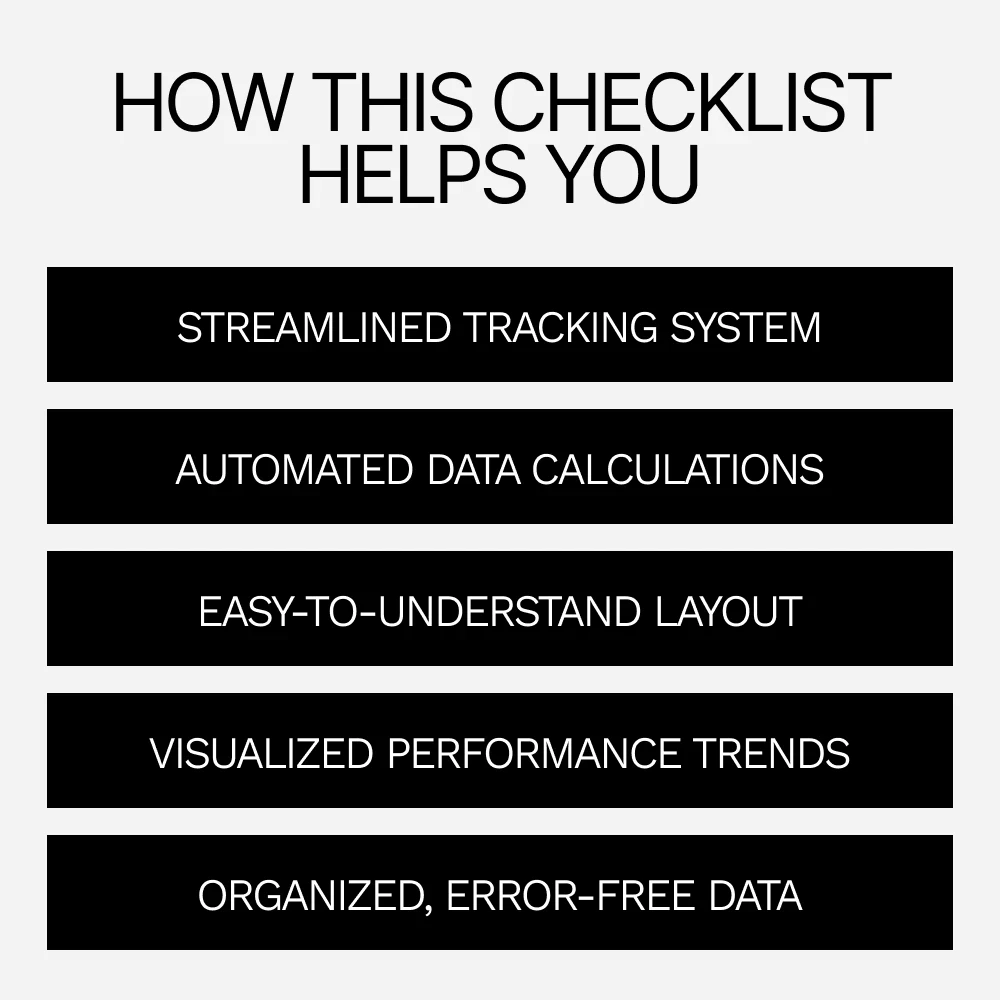
- Get organized by clearly defining what you’re tracking.
- Stay focused on metrics that drive results.
- Save time with automated calculations and summaries.
- Visualize data for easier decision-making.
- Track progress with a streamlined system that grows with you.
- Prevent errors with consistent formatting and data validation.
Download Now
Ready to turn your Google Sheets into a tracking powerhouse? Download the The Practical Google Sheets Tracking System checklist today and start organizing your data with clarity and confidence. Get started now and make tracking simple and effective!Related products


















Frequently Bought Together












Share with Friends
Trading is more effective when you share products with friends!Share you link
Share to