
Shopping preferences
Delivery or pickup
No pickup points are currently available.
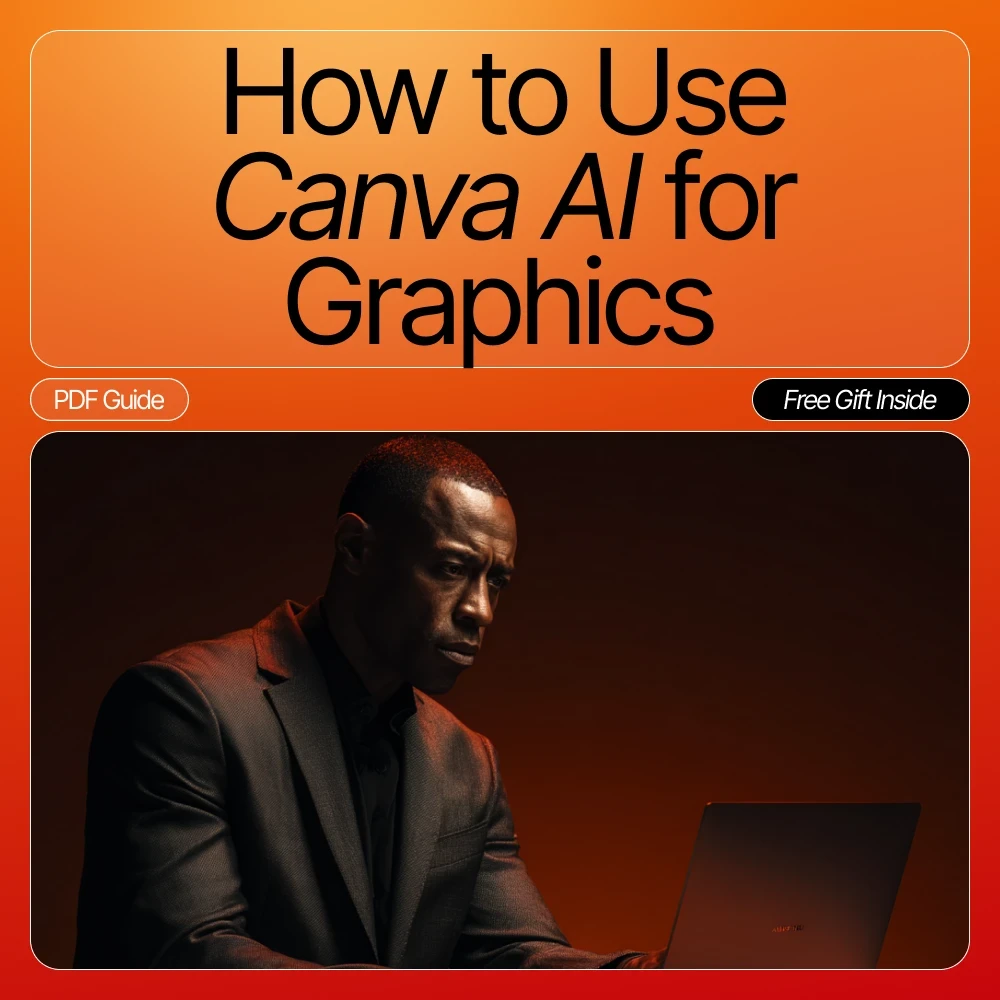
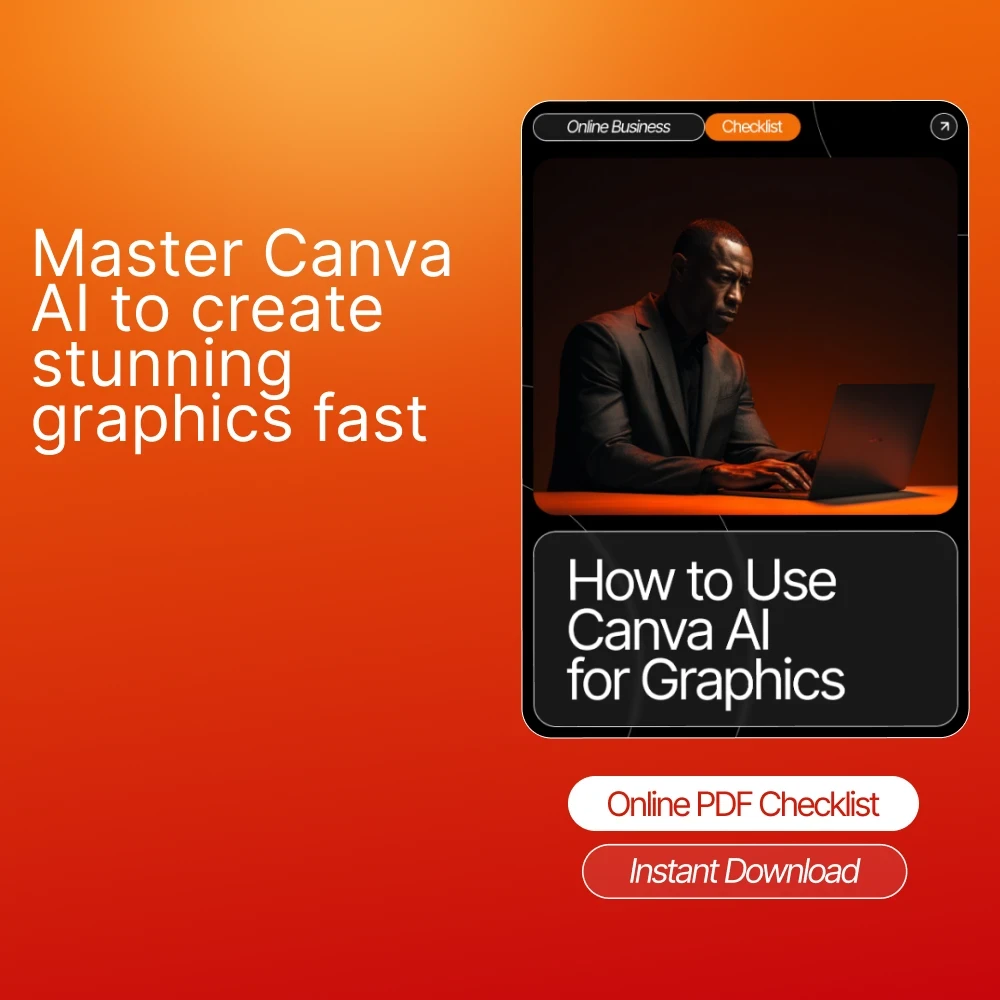

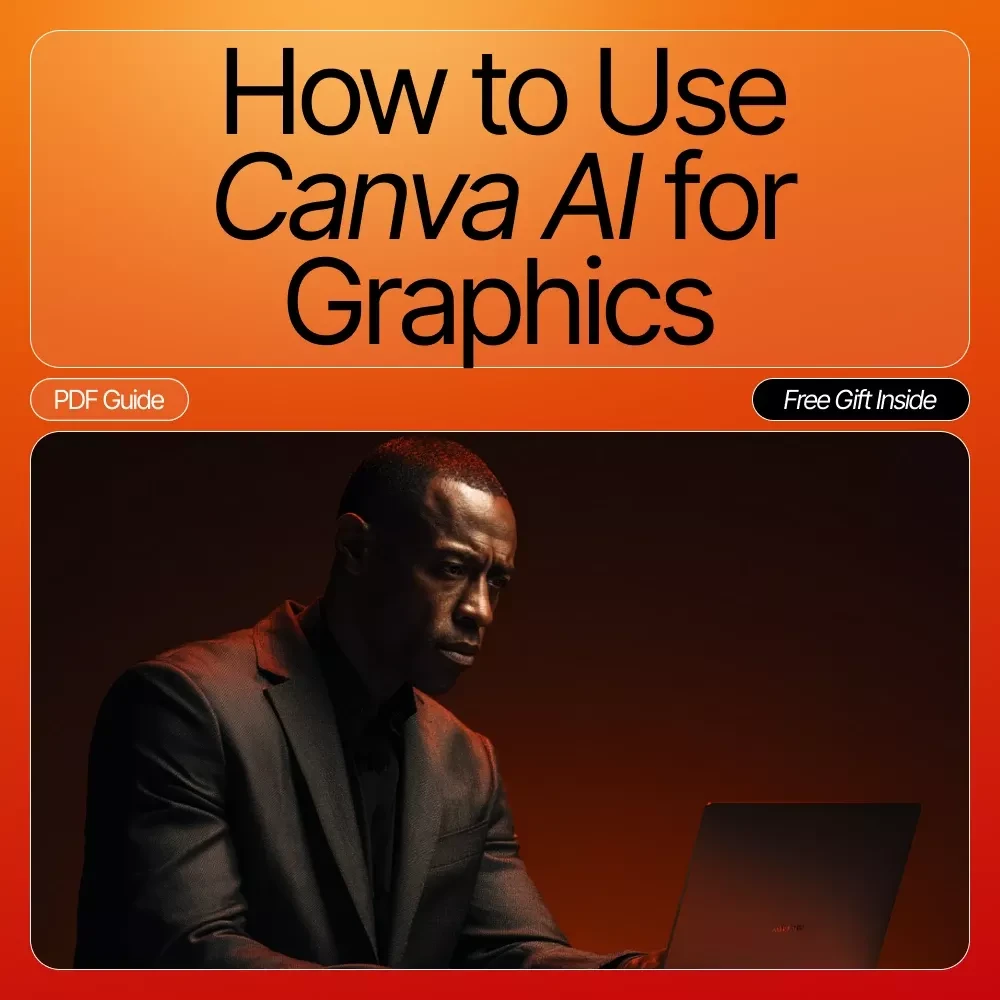

How to Use Canva AI for Graphics Checklist | Canva AI Guide for Beginners | Digital Download for Fast, Easy Graphic Design
SKU
IMP-144927-EUKOD
People are viewing right now
CoRizi Order Protection
Payment options

Complete your payment through our checkout. Available payment methods are shown when placing your order.
Returns policy
Check return eligibility and the store policy before placing your order.
View return policy
Have a question before ordering? We are here to help.
Shipping estimates, returns and support follow the policies shown for this product.
Product Description
Unlock the power of modern design with this easy-to-use digital checklist, crafted to help you master how to use canva ai for graphics with confidence and creativity. Whether you're a small business owner, content creator, or absolute beginner, this resource walks you step-by-step through Canva’s most powerful AI tools so you can design stunning visuals in minutes—not hours.What’s Inside
- Start With a Clear Design Goal: Define project type, message, and brand style.
- Explore Canva’s AI Tools: Discover Text to Image, Magic Design, AI resizing, and more.
- Use Text to Image for Custom Graphics: Learn how to prompt effectively.
- Leverage Magic Design Templates: Quickly generate professional layouts.
- Enhance Images With AI Editing Tools: Background removal, adjustments, and Magic Eraser tips.
- Use Canva AI for Text Suggestions: Create headlines, captions, and copy variations.
- Build Branded Graphics at Scale: Apply brand kits and save custom templates.
- Experiment With Style Transformations: Test unique aesthetics and creative filters.
- Resize Designs With Magic Resize: Create platform-ready content instantly.
- Review and Refine Before Exporting: Ensure quality, readability, and brand alignment.
Key Benefits
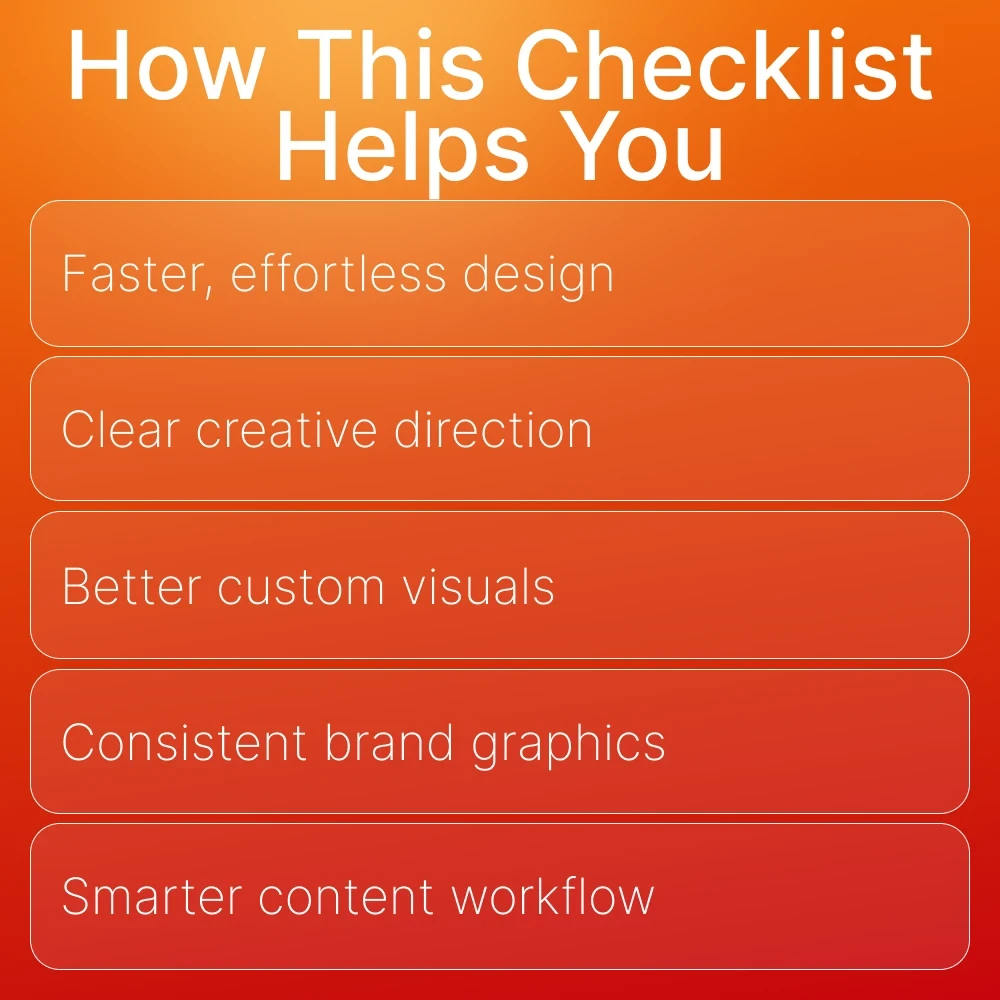
- Create polished, professional graphics—even if you’re not a designer.
- Save hours with AI-powered shortcuts and ready-made prompts.
- Gain confidence using Canva’s newest and most creative AI features.
- Perfect for social media content, branding, marketing, product images, and more.
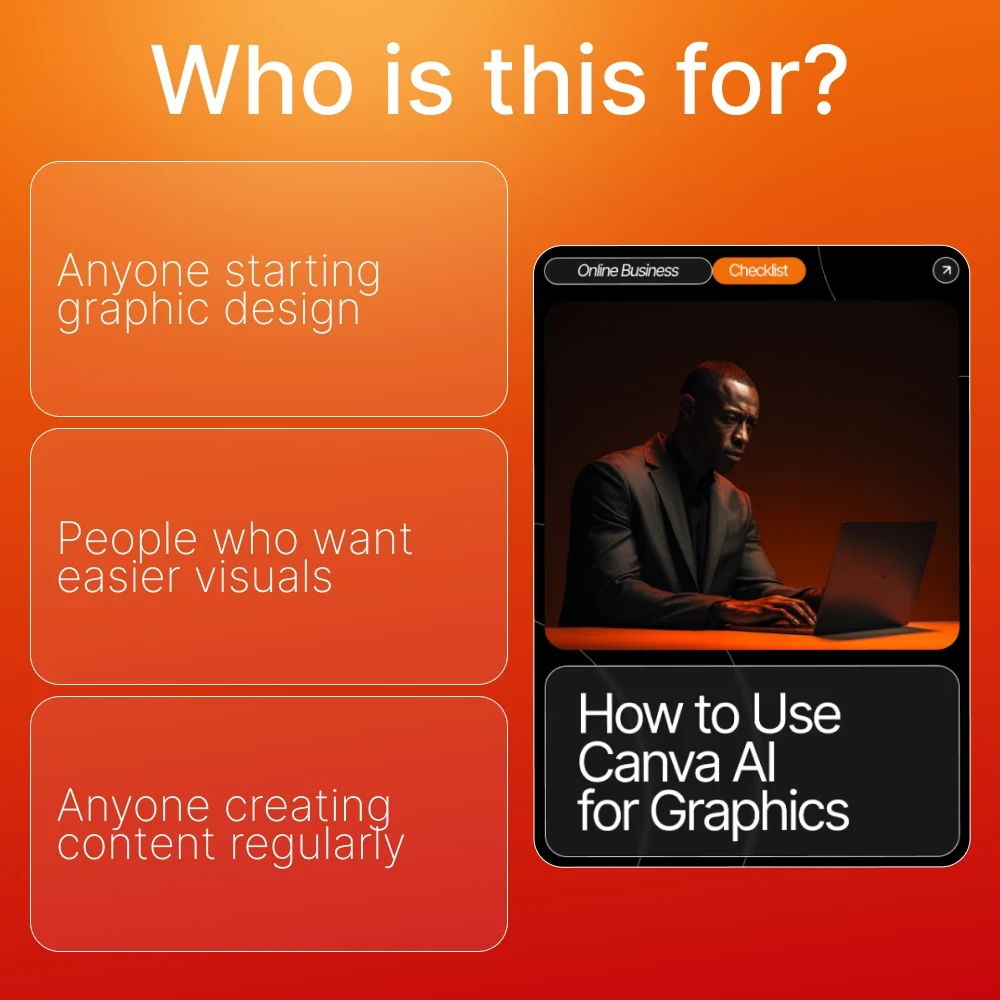
- Designed for beginners, entrepreneurs, digital sellers, and busy creators.
- Clear, structured, and beginner-friendly—no learning curve required.
- Offers a streamlined approach unlike generic design guides, focusing specifically on how to use canva ai for graphics in real workflows.
Why This Checklist Is Different
This resource is intentionally practical—no fluff, no overwhelm. You get a clean, organized checklist that guides you through real, everyday design tasks using Canva’s AI tools. It’s perfect for creators who want fast, predictable, beautiful results without struggling to figure out what to click, what to write, or how to prompt the AI correctly.Ready to Level Up Your Graphics?
Download this checklist today and start creating scroll-stopping visuals with ease. Turn Canva’s AI tools into your personal design assistant—your next great graphic is only a click away!Related products


















Frequently Bought Together








Share with Friends
Trading is more effective when you share products with friends!Share you link
Share to